
Learning how to use the LPSG forum effectively takes only a short time, but most new members make avoidable mistakes in their first week. This complete beginner guide walks you through every core feature — from navigating the forum layout to posting threads, sending messages, and building a reputation that earns genuine engagement from the community.
How to Navigate the LPSG Homepage
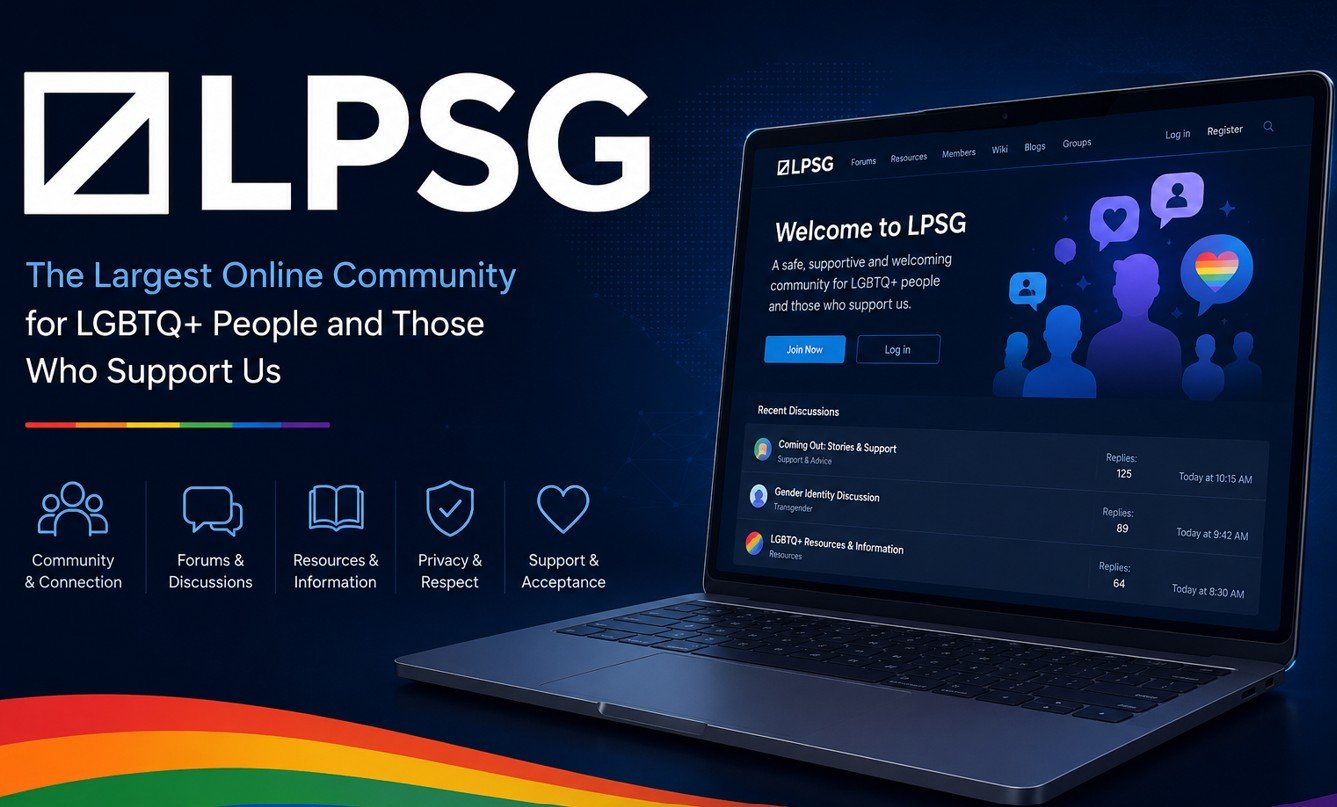
When you first log into LPSG, the homepage displays a feed of recent threads and activity from across the forum. The top navigation bar gives you access to your profile, notifications, private messages, and the main forum categories. Additionally, a search bar sits prominently in the header, allowing you to find specific threads or topics instantly.
The homepage also shows trending threads and recently active discussions. Consequently, it gives you a quick snapshot of what the community is currently talking about. Furthermore, your notification bell lights up whenever someone reacts to your posts, replies to your threads, or sends you a message. Checking notifications regularly helps you stay connected to ongoing conversations.
How to Browse LPSG Forum Categories
LPSG organises its content into categories and sub-forums. Click on the Forums link in the navigation to see the full category list. Each category contains threads related to a specific topic. Moreover, categories are further divided into sub-forums for more specific discussions. Therefore, spending ten minutes browsing the category list helps you identify exactly where to post your first thread.
Some categories are accessible to all registered members. Others require verified status or a minimum post count. As a result, new members sometimes find certain sections locked when they first join. Building your post history in open sections unlocks access to more areas of the forum over time.
How to Post Your First Thread on LPSG
To create a new thread, navigate to the relevant category and click the Post New Thread button. A text editor opens where you write your thread title and body content. LPSG uses a rich text editor that supports basic formatting including bold, italic, lists, and image embedding. Additionally, you can preview your thread before submitting to check how it will appear to other members.
Write a clear and specific thread title. Vague titles like “Question” or “Help needed” receive far fewer clicks than descriptive ones. Furthermore, your opening paragraph should explain exactly what you are asking or discussing. Consequently, members who read the first two lines know immediately whether the thread is relevant to them. Use our LPSG Post Formatter to clean up your text before posting.
How to Reply to Threads on LPSG
Replying to an existing thread is simple. Open any thread and scroll to the reply box at the bottom of the page. Type your response and click Post Reply. Additionally, you can quote a specific post by clicking the Quote button on that post, which inserts the quoted text into your reply box automatically.
Quality matters more than quantity when it comes to replies. Short, generic responses like “same” or “agreed” add little value and are unlikely to receive reactions. In contrast, replies that share personal experience, add new information, or ask a thoughtful follow-up question consistently receive more positive engagement. Therefore, aim to contribute something meaningful in every reply you write.
How to Send Private Messages on LPSG
Private messaging on LPSG requires a verified email address. Once verified, click on any member’s username to visit their profile. From there, click the Start Conversation or Message button to open a private message thread. Your message inbox is accessible from the notification area at the top of every page.
Importantly, unsolicited messages to members you have never interacted with are often unwelcome, particularly in your first weeks on the forum. As a result, building a visible presence in public threads first makes your private messages far more likely to receive a positive response. Many members set their messaging preferences to accept messages from established accounts only.
LPSG Forum Etiquette Rules
LPSG has a well-established community culture with clear expectations. First, stay on topic within each thread and sub-forum category. Second, do not post the same content across multiple threads — this is considered spam and results in warnings. Third, respect other members even when you disagree with them. Fourth, tag your content correctly — explicit content must be appropriately tagged in sections that require it.
Additionally, avoid doxxing — sharing another person’s real personal information without their consent. This is one of the most serious violations on LPSG and results in immediate permanent bans. Furthermore, never share content involving minors under any circumstances. Use our LPSG Community Rules Checklist to review all key guidelines before your first post.
Tips to Get More Replies on LPSG
Threads that get replies consistently follow a simple pattern. They have clear titles, a personal angle in the opening paragraph, and end with a direct question that invites others to share their own experience. Additionally, posting during peak activity hours — typically evenings in North American and European time zones — increases the initial visibility of your thread.
Furthermore, engaging with replies promptly keeps your thread active. When you reply to people who comment on your thread, the activity bump pushes it back to the top of the category listing. Consequently, threads where the original poster actively participates tend to generate significantly more total responses than ones where the poster goes silent after the initial post. Check your LPSG Profile Score to make sure your profile supports the engagement you are looking for.

