
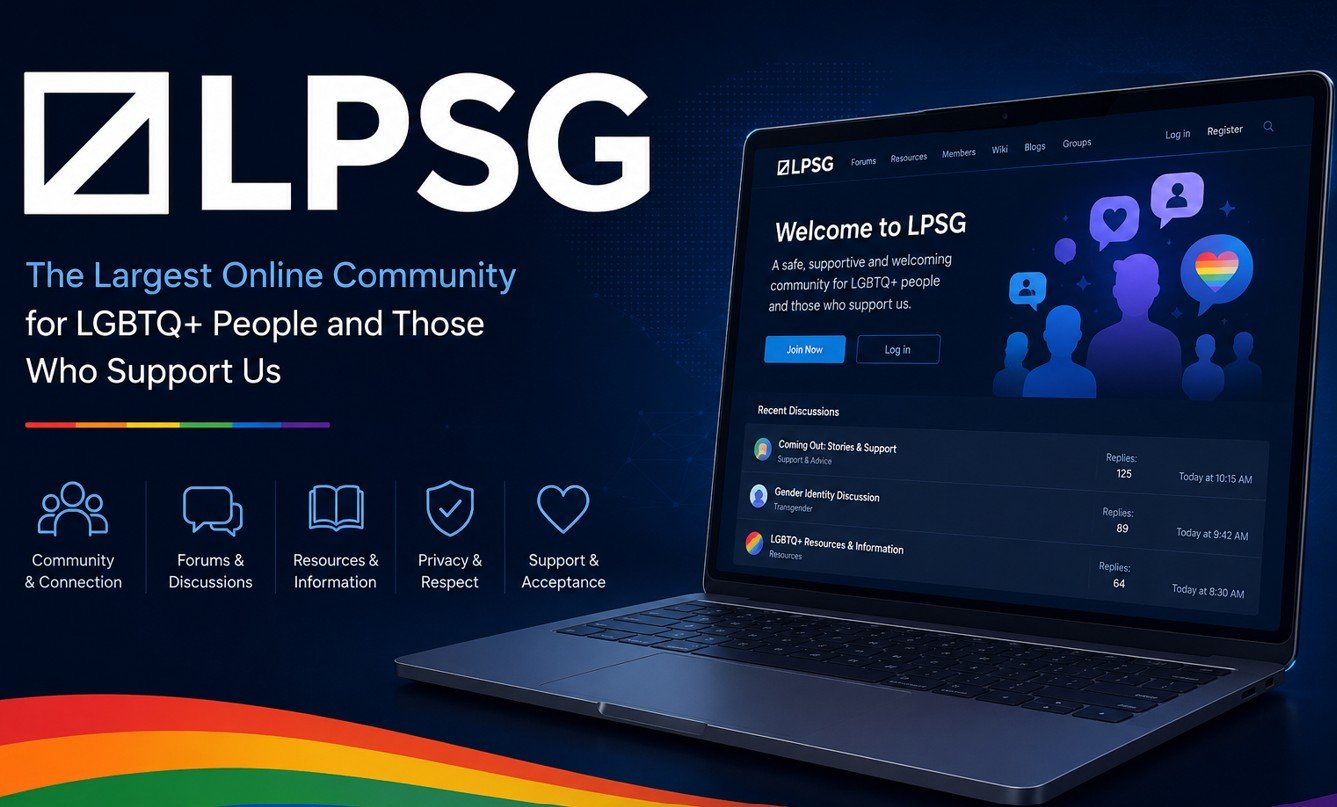
Knowing how to block someone on LPSG is an essential self-protection skill for every forum member. Whether you are dealing with unwanted private messages, a member who is making you uncomfortable, or someone you simply do not want contact from, LPSG’s block feature gives you direct control. This guide walks through the exact process, explains what blocking actually does, and covers when to block versus when to report.
What Does Blocking Someone on LPSG Actually Do?
Before using the block feature, understanding what it does and does not prevent is important. Blocking a member on LPSG primarily stops them from sending you private messages. Additionally, it removes their ability to interact directly with your account through follow requests and direct profile engagement. Consequently, blocking is most effective against harassment that occurs through private messages and direct account interaction.
However, blocking does not make you invisible in public forum threads. A blocked member can still see your posts in threads they browse. Furthermore, depending on LPSG’s current implementation, they may still be able to reply in threads where you have posted. Therefore, for harassment happening in public threads, using the report function is more effective than relying solely on the block. Our guide on how to report someone on LPSG covers that process in full.
How to Block Someone on LPSG — Step by Step
The most direct way to block a member is through their profile page. Navigate to the profile of the member you want to block by clicking their username in any thread or message. On their profile page, look for the interaction options — these typically appear as buttons near the top of the profile alongside Follow and Message. Click the Block, Ignore, or similar option. A confirmation prompt typically appears — confirm the block to complete the process.
Alternatively, you can block directly from a private message conversation. Open the conversation in your inbox, look for the member’s username or avatar at the top of the conversation, and click it to access options including block. Additionally, some versions of LPSG’s interface include a block option directly within the dropdown menu that appears when you click a username in a thread, which is the fastest method when you are already reading a thread containing that member’s posts.
How to Block Someone From a Private Message
If the unwanted contact is arriving through private messages, open your inbox and find the conversation from the member you want to block. Inside the conversation, look for a Report or Options menu — this usually appears as three dots or a gear icon near the conversation header. The block or ignore option typically appears alongside the report option in this menu.
After blocking from a private message, the conversation remains in your inbox but no new messages from that member can be sent to you. Consequently, you can retain the existing conversation as evidence if you need to escalate a report to LPSG’s moderation team. Furthermore, you do not need to delete the conversation to stop receiving messages — the block alone prevents new contact.
How to Manage Your Block List on LPSG
LPSG maintains a list of members you have blocked, accessible through your account settings. Navigate to Settings and look for a Privacy, Block List, or Ignored Members section. This list shows all currently blocked accounts and allows you to remove blocks if you change your mind. Additionally, reviewing your block list periodically is good account hygiene, particularly if you have blocked members over a long period and want to audit who remains on the list.
Unblocking a member reverses all block effects immediately. They can send you private messages again and interact with your account as normal. Therefore, only remove a block when you are confident the reason for blocking no longer applies. Use our LPSG privacy guide for additional account privacy controls beyond blocking.
When to Block vs When to Report
Blocking and reporting serve different purposes and are not mutually exclusive. Report a member when their behaviour violates LPSG’s community rules and you want the moderation team to review and potentially act against their account. Block a member when you want to stop direct personal contact regardless of whether a rule has technically been broken. Furthermore, the most effective response to harassment on LPSG is to do both — report first, then block.
Report alone without blocking leaves the channel open for further contact while the moderation team reviews. Block alone without reporting removes your protection from one member but does nothing to prevent them from harassing others. Consequently, combining both actions protects you immediately while contributing to the community safety that benefits all members. Use our LPSG Report Message Builder to write a clear, effective report before blocking.
Protecting Yourself Beyond Blocking
Blocking is one layer of protection among several available on LPSG. Additionally, reviewing your privacy settings regularly — particularly who can send you private messages and who can view your profile — reduces unwanted contact proactively. Setting message permissions to members you have interacted with significantly reduces unsolicited contact from strangers.
Furthermore, keeping personal details out of your public profile and posts means that even members you have not blocked cannot use that information against you. Our complete guide on staying anonymous on LPSG covers every privacy layer available. Additionally, if you are experiencing sustained harassment that blocking alone does not resolve, our guide on what to do when LPSG rules are violated explains your escalation options.

