
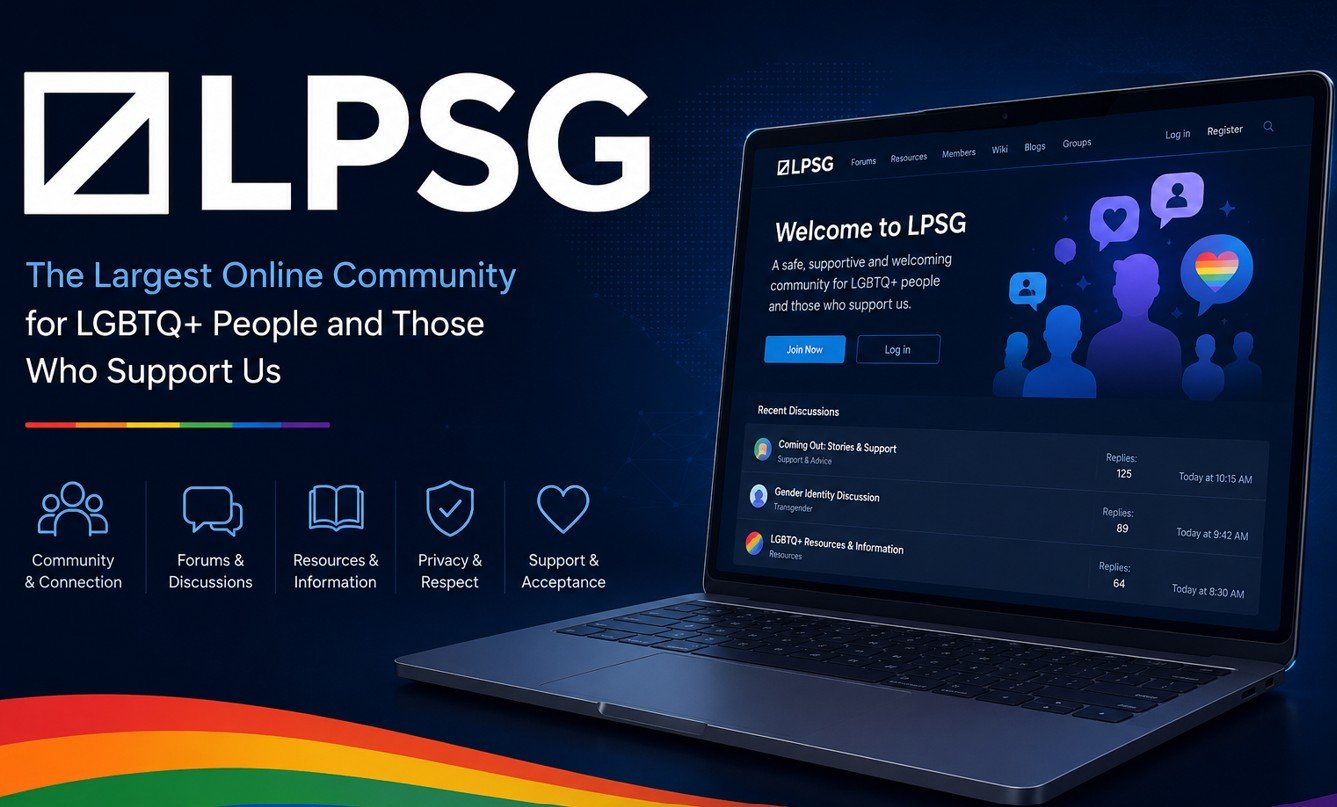
Criar uma conta LPSG leva menos de cinco minutos. No entanto, saber exatamente o que esperar em cada passo torna o processo muito mais suave. Este guia orienta você através de cada etapa da criação de conta LPSG, de escolher seu nome de usuário para verificar seu e-mail e configurar um perfil que é notado. Se quiseres. criar uma conta LPSG seguir estes passos cuidadosamente.
O que você precisa antes de criar uma conta LPSG
Antes de visitar a página de inscrição do LPSG, prepare as seguintes três coisas. Primeiro, escolha um nome de usuário com antecedência. LPSG não permite alterações de nome de usuário após o registro, então escolher o nome certo importa enormemente. Usar o nosso Verificador de Nome de Utilizador LPSG para validar o seu nome escolhido antes de se comprometer com ele.
Em segundo lugar, use um endereço de e-mail que você verifique ativamente. O LPSG envia um email de verificação imediatamente após o registro. Consequentemente, se você perder esse e-mail ou sua caixa de entrada filtra-lo como spam, sua ativação da conta é adiada. Terceiro, decida se deseja usar o seu email regular ou uma alternativa focada na privacidade. Muitos membros usam uma conta de email separada especificamente para LPSG para manter sua atividade online separada de sua identidade pessoal.
Passo 1 — Visite a página de registro LPSG
Ir para lpsg.com e procure o botão Registar na barra de navegação superior. Clique nele para abrir o formulário de inscrição. A página carrega rapidamente e o formulário é simples. Além disso, o LPSG não requer quaisquer informações de identificação pessoal — apenas um nome de usuário, endereço de e-mail e senha são necessários para começar.
Nesta fase, você também precisará concordar com os termos de serviço da LPSG. Portanto, vale a pena gastar dois minutos lendo as regras comunitárias antes de você marcar a caixa de acordo. Entender as regras desde o início evita violações acidentais que podem resultar em avisos ou proibições mais tarde.
Passo 2 — Preencha os detalhes da sua conta
O formulário de registro pede seu nome de usuário, endereço de e-mail e uma senha desejados. Insira seu nome de usuário pré-escolhido cuidadosamente. Lembre-se que o LPSG trata "Username" e "username" como idênticos — o sistema é insensível a casos para fins de disponibilidade. Além disso, os nomes de usuário devem estar entre 3 e 30 caracteres e só podem conter letras, números, sublinhados e hífens.
Para sua senha, use uma senha forte e única que você não usa em outros sites. O LPSG é uma plataforma adulta e, portanto, proteger sua conta com uma senha forte é particularmente importante. Um gerenciador de senhas torna isso fácil. Posteriormente, verifique novamente seu endereço de e-mail para erros de digitação antes de enviar o formulário — um único erro de digitação impede que você receba o email de verificação.
Passo 3 — Verificar o seu endereço de e- mail
Após enviar o formulário de inscrição, o LPSG envia um email de confirmação para o endereço fornecido. Abra sua caixa de entrada e encontre o e-mail do LPSG. Clique no link de verificação dentro do email para ativar sua conta. Esta etapa é obrigatória — sem verificação por e-mail, sua conta tem acesso severamente restrito.
Se o e-mail de verificação não chegar dentro de cinco minutos, verifique sua pasta de spam ou lixo primeiro. Além disso, alguns provedores de email corporativos ou escolares bloqueiam e-mails de plataformas adultas. Como resultado, usar um endereço de e-mail pessoal como Gmail ou ProtonMail é fortemente recomendado para o registro LPSG. Se ainda não conseguir encontrar o e-mail, entre no LPSG e solicite um novo e-mail de verificação a partir das configurações da sua conta.
Passo 4 — Configurar seu perfil
Uma vez que seu e-mail for verificado, configure seu perfil antes de fazer quaisquer posts. Um perfil completo aumenta dramaticamente a qualidade das interações que você recebe. Consequentemente, pular este passo muitas vezes resulta em ser ignorado ou tratado como uma conta de spam por outros membros.
Comece por enviar uma imagem de perfil. Não precisa ser uma foto real — muitos membros usam ilustrações, avatares ou imagens não identificadoras. Além disso, preencha a seção Bio ou Sobre com uma breve descrição de seus interesses e por que você entrou no fórum. Mantenha-o amigável e não explícito nesta fase. Usar o nosso Analisador de pontuação de perfil LPSG para verificar a integridade do seu perfil e obter dicas personalizadas antes de começar a postar.
Passo 5 — Reveja suas configurações de privacidade
Antes de publicar qualquer coisa, navegue para as configurações da sua conta e reveja as opções de privacidade. O LPSG dá-lhe controlo sobre quem pode ver o seu perfil, quem pode enviar-lhe mensagens privadas e quem pode ver o seu histórico de publicação. Portanto, configurar essas configurações imediatamente após a configuração da conta protege você de contato indesejado.
Além disso, considere se deseja que seu perfil seja visível para visitantes não registrados. As páginas LPSG podem ser indexadas pelos motores de busca, então qualquer coisa que você postar publicamente pode aparecer nos resultados do Google. Como resultado, muitos membros conscientes da privacidade definem seus perfis para visibilidade somente de membros. Para um guia completo sobre como ficar em privado, leia nosso artigo sobre como permanecer anônimo no LPSG.
Passo 6 — Iniciar a Exploração do Fórum
Com a configuração da sua conta e a privacidade configurada, você está pronto para explorar o LPSG. Comece navegando nas principais categorias do fórum para entender como a comunidade é organizada. Além disso, use a função de busca para encontrar tópicos sobre tópicos que lhe interessam. Ler as discussões existentes antes de postar ajuda você a entender as normas comunitárias e o tom que recebe respostas positivas.
Seu primeiro post não precisa ser um novo tópico. De facto, responder às discussões existentes é muitas vezes um ponto de partida melhor. Apresenta-te à comunidade gradualmente. Além disso, respostas ponderadas em threads estabelecidos são mais propensos a receber reações e respostas do que novos threads de contas com histórico pós-zero.
Dicas para novos membros do LPSG
Novos membros que seguem essas dicas têm experiências melhores no LPSG. Primeiro, leia as regras do fórum completamente antes de postar qualquer coisa. Em segundo lugar, observe discussões comunitárias por alguns dias antes de participar ativamente. Em terceiro lugar, nunca compartilhe informações de identificação pessoal em tópicos públicos. Quarto, se você sentir algum assédio, use o botão relatório imediatamente em vez de se envolver com o membro ofendido.
Além disso, evite enviar mensagens privadas não solicitadas a outros membros em sua primeira semana. Construir um post histórico visível primeiro estabelece credibilidade. Como resultado, suas mensagens são muito mais prováveis de receber uma resposta positiva depois de ter demonstrado uma participação genuína na comunidade.

